Dental Data & Asset Management

The dental workflow
digital and physical

Manage patients, clinical photos and lab objects. Connect via NFC in one tap.

App Store Google Play
Patient

Patient management

All your dental data
in one place

Patient list with instant search, access history and secure sharing among professionals.

Home

Patient list

All patients in one place, with filters for own and shared. Each profile has a unique link on oralsnap.com.

  • Instant search by name
  • Filter: all, shared, added
  • Unique link for each patient
  • Full history of all profile accesses
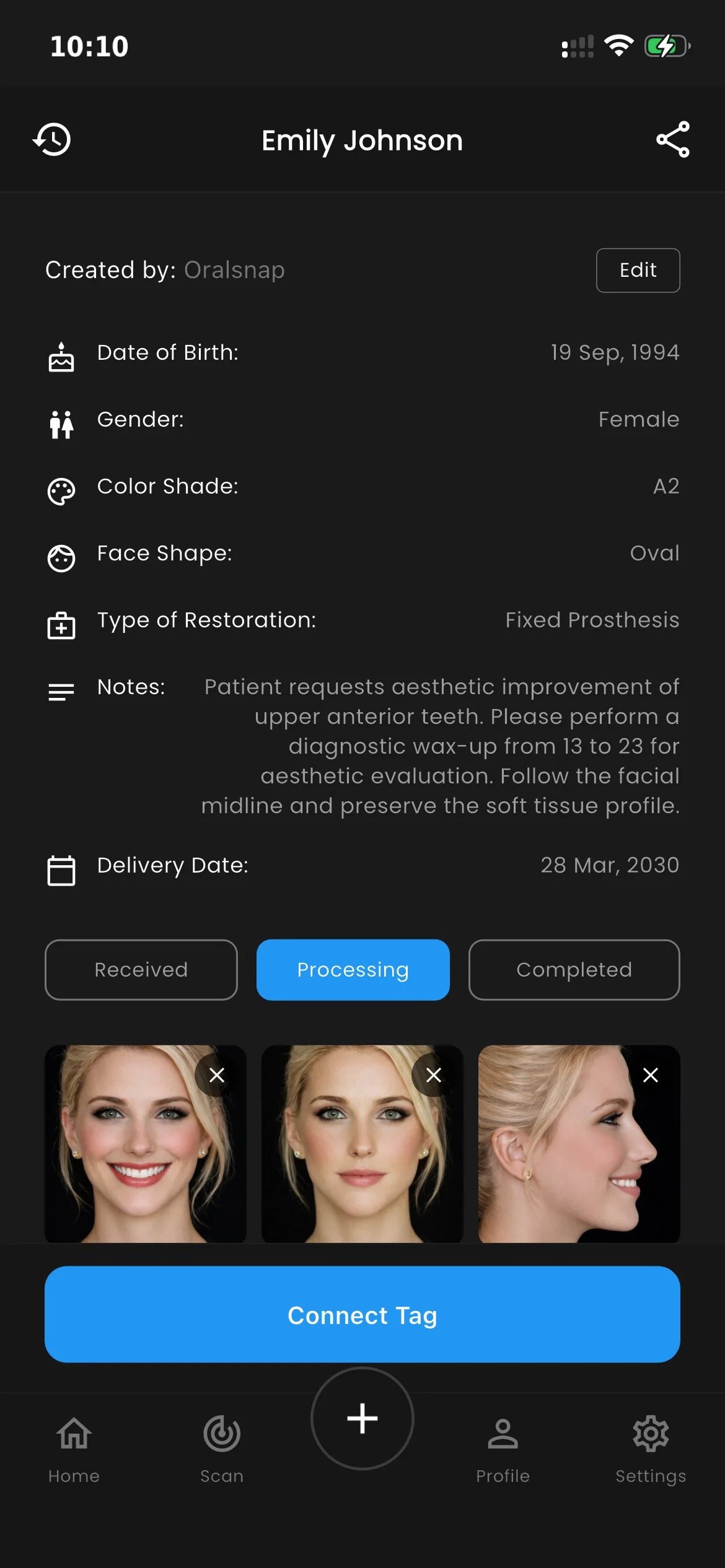
Patient

Complete patient record

Clinical data, shade color, face shape, restoration type, detailed notes, delivery date and image gallery.

  • Stato: Received → Processing → Completed
  • Free-text clinical notes
  • Clinical image gallery
  • Physical NFC tag link
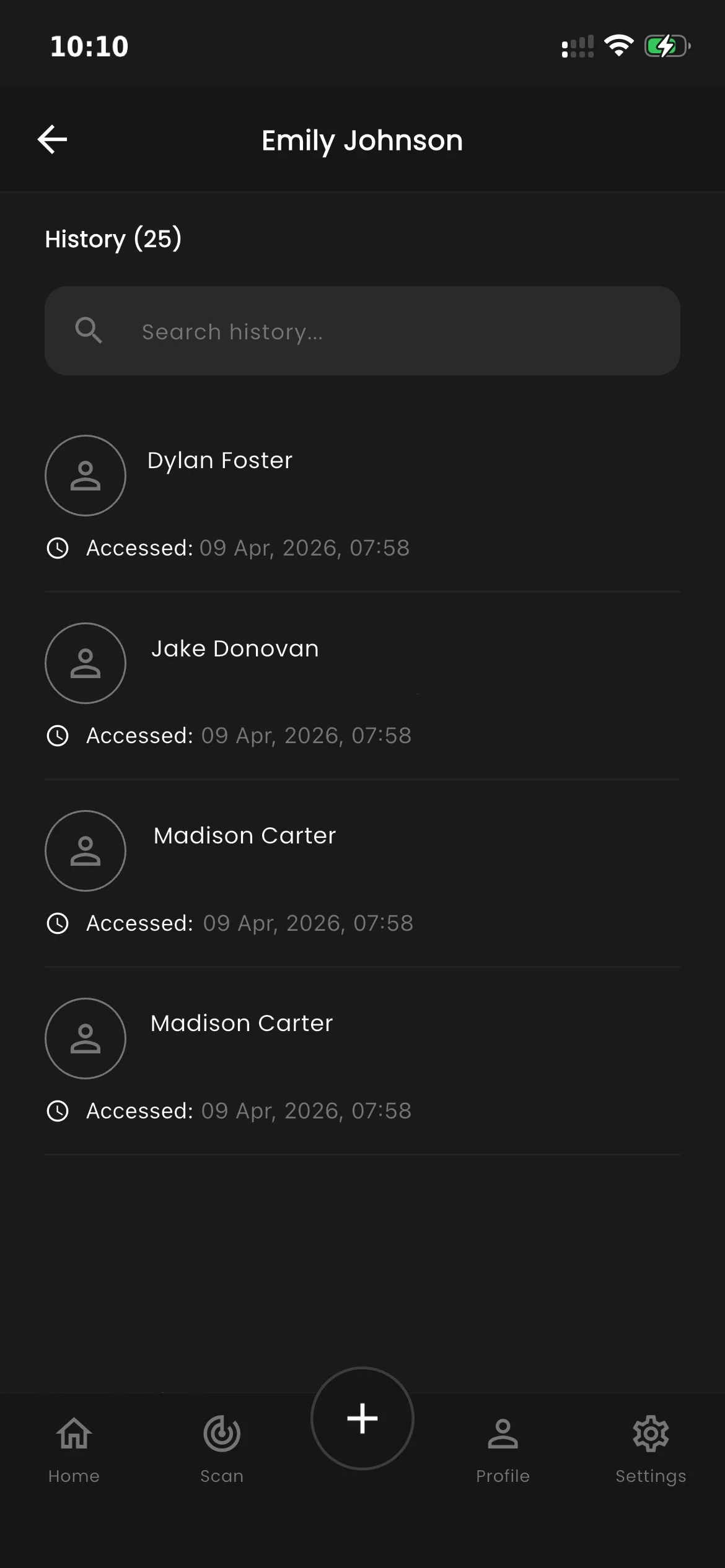
Storico accessi

Full access history

Every time someone opens your patient profile, Oralsnap logs it. You always know who viewed your data — date, time and user.

  • Complete log of every profile access
  • Visible only to the profile owner
  • Full transparency on who views your cases
  • Searchable by name or date

Camera clinica

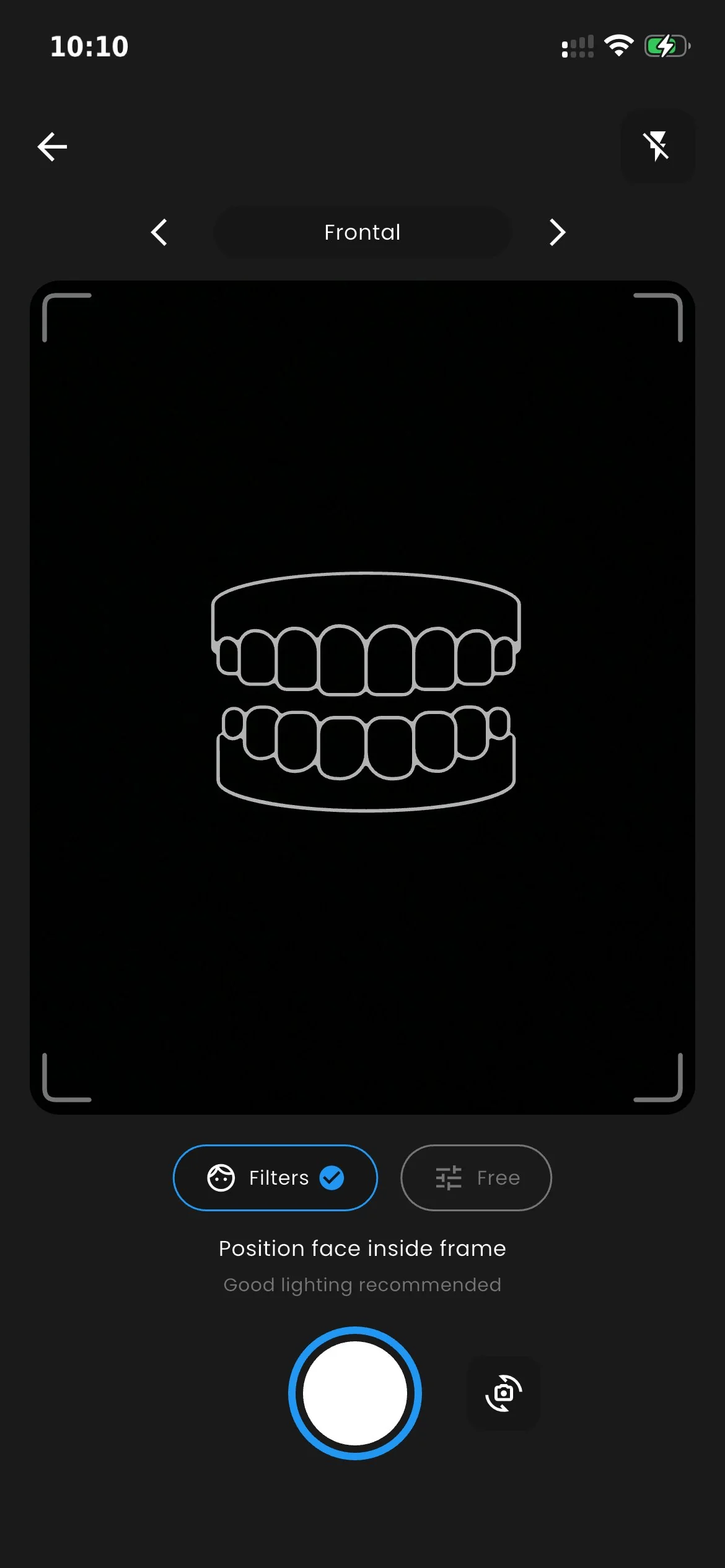
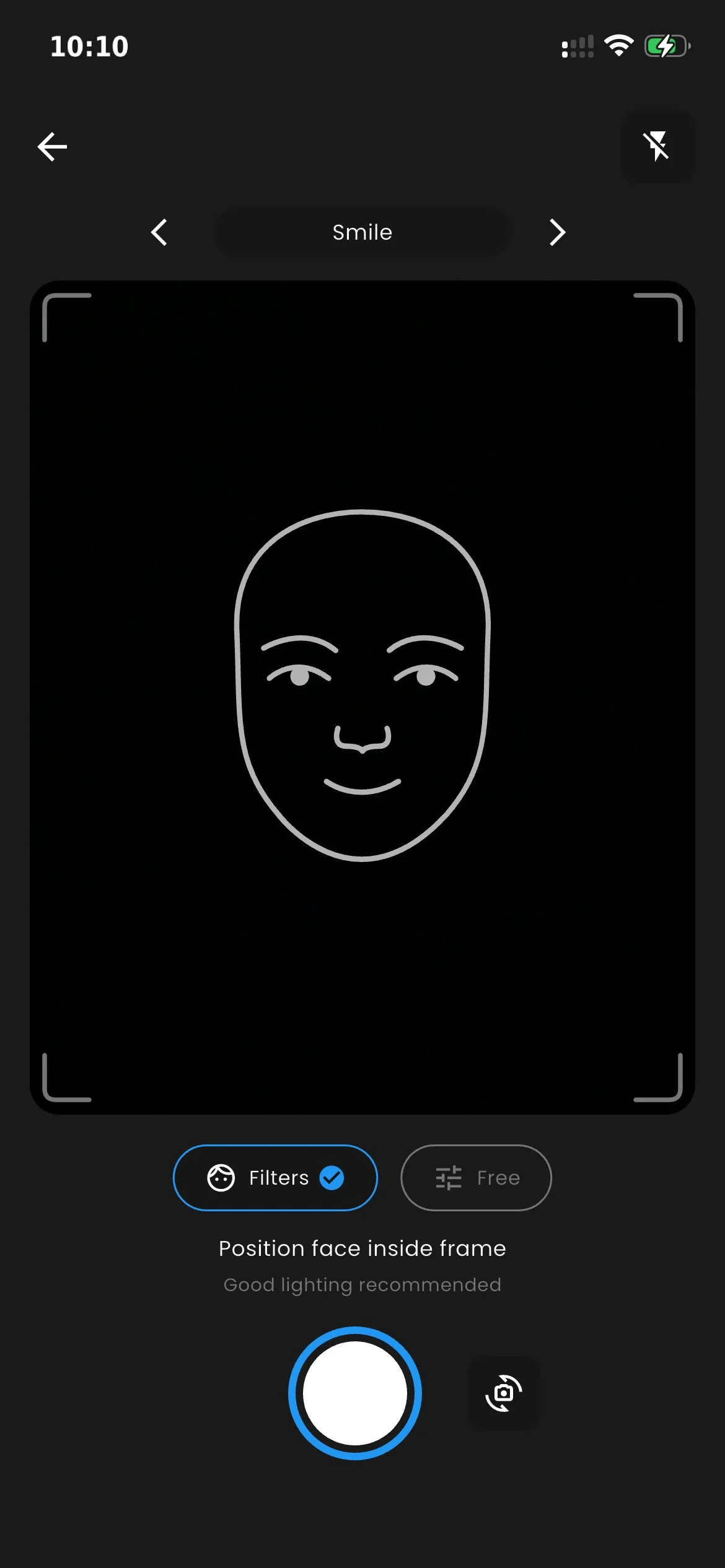
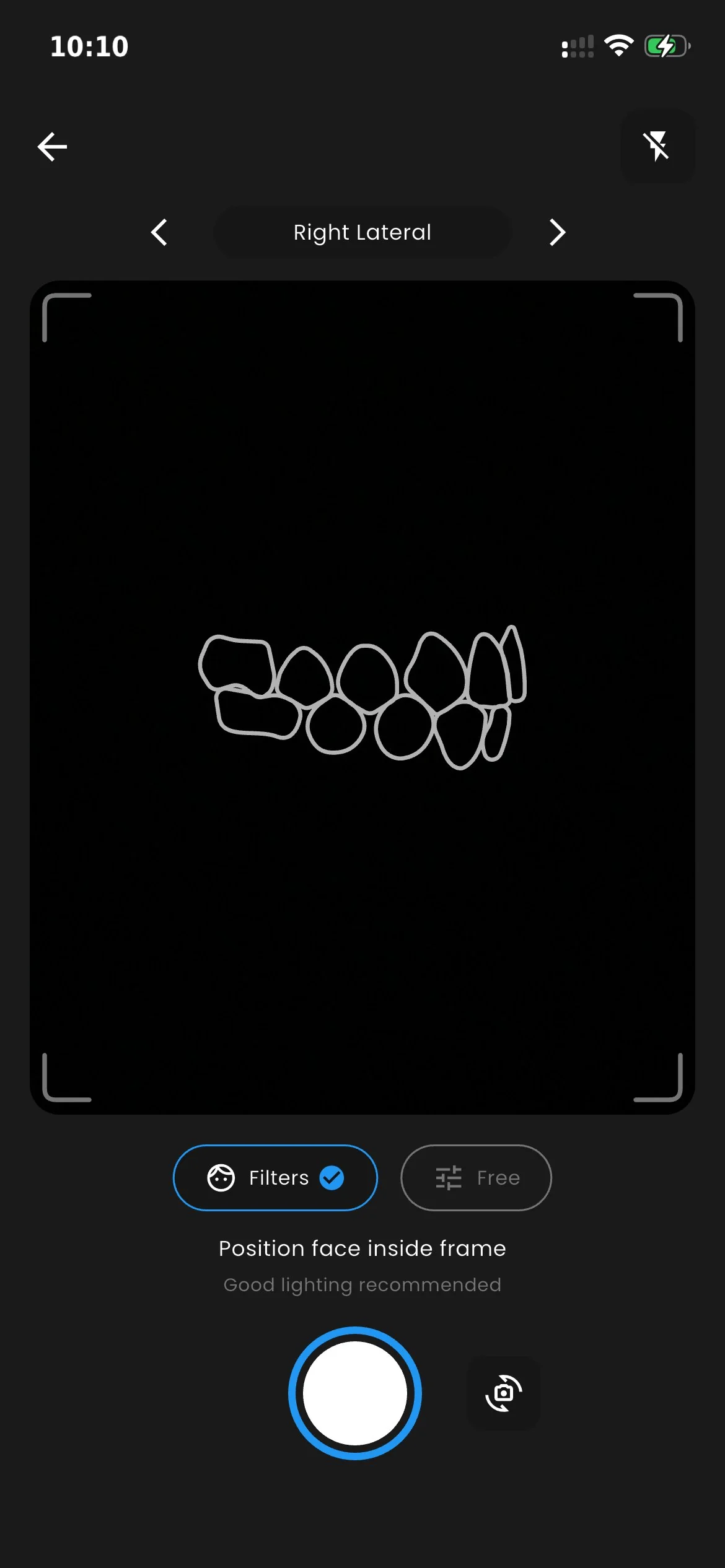
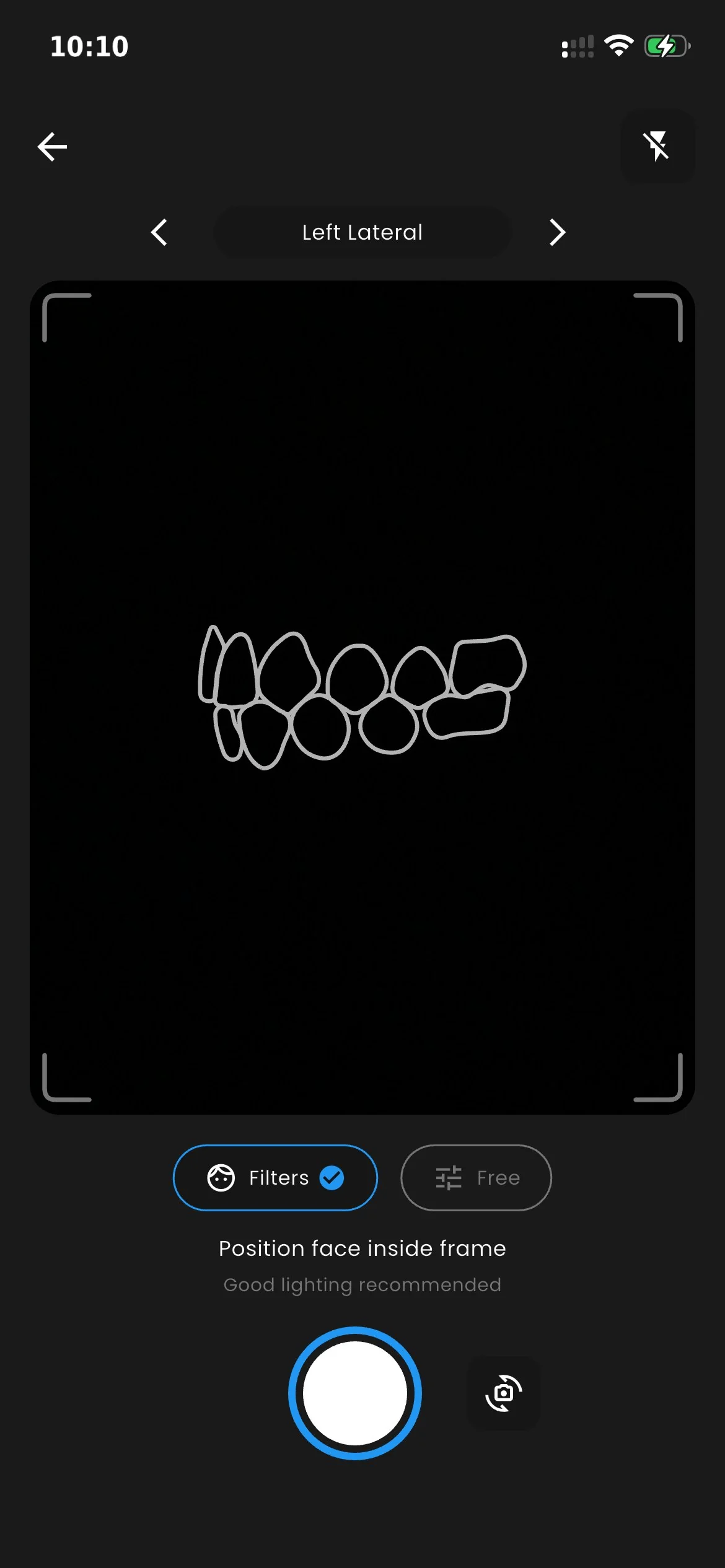
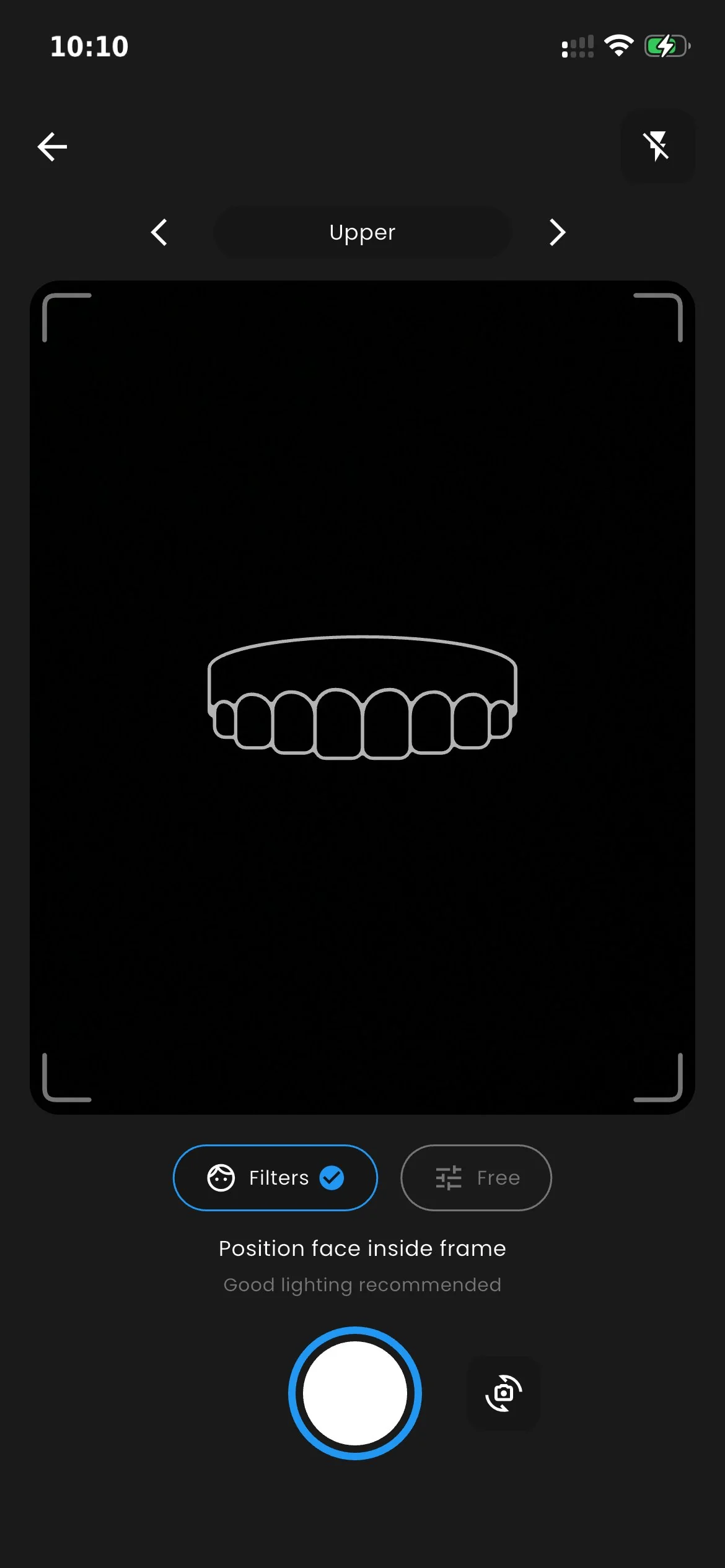
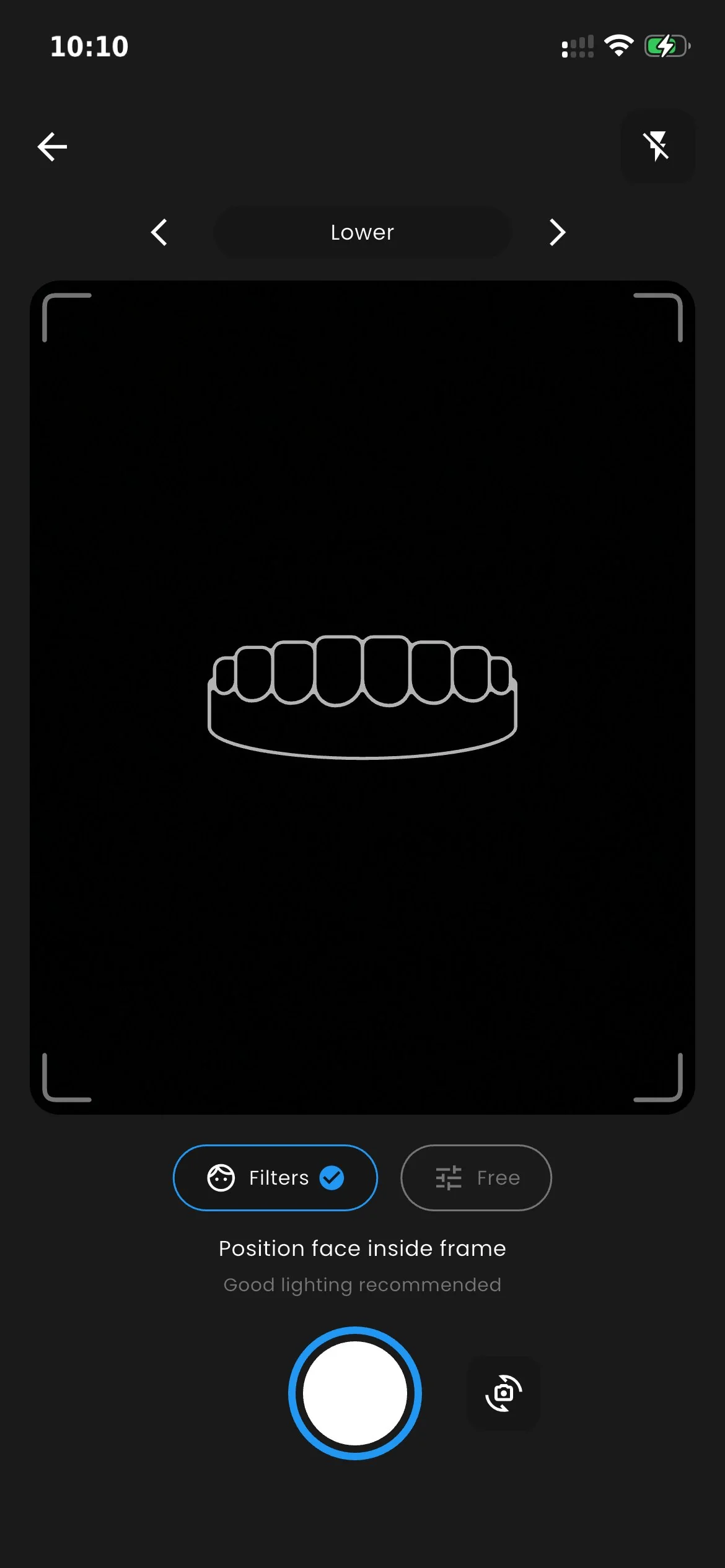
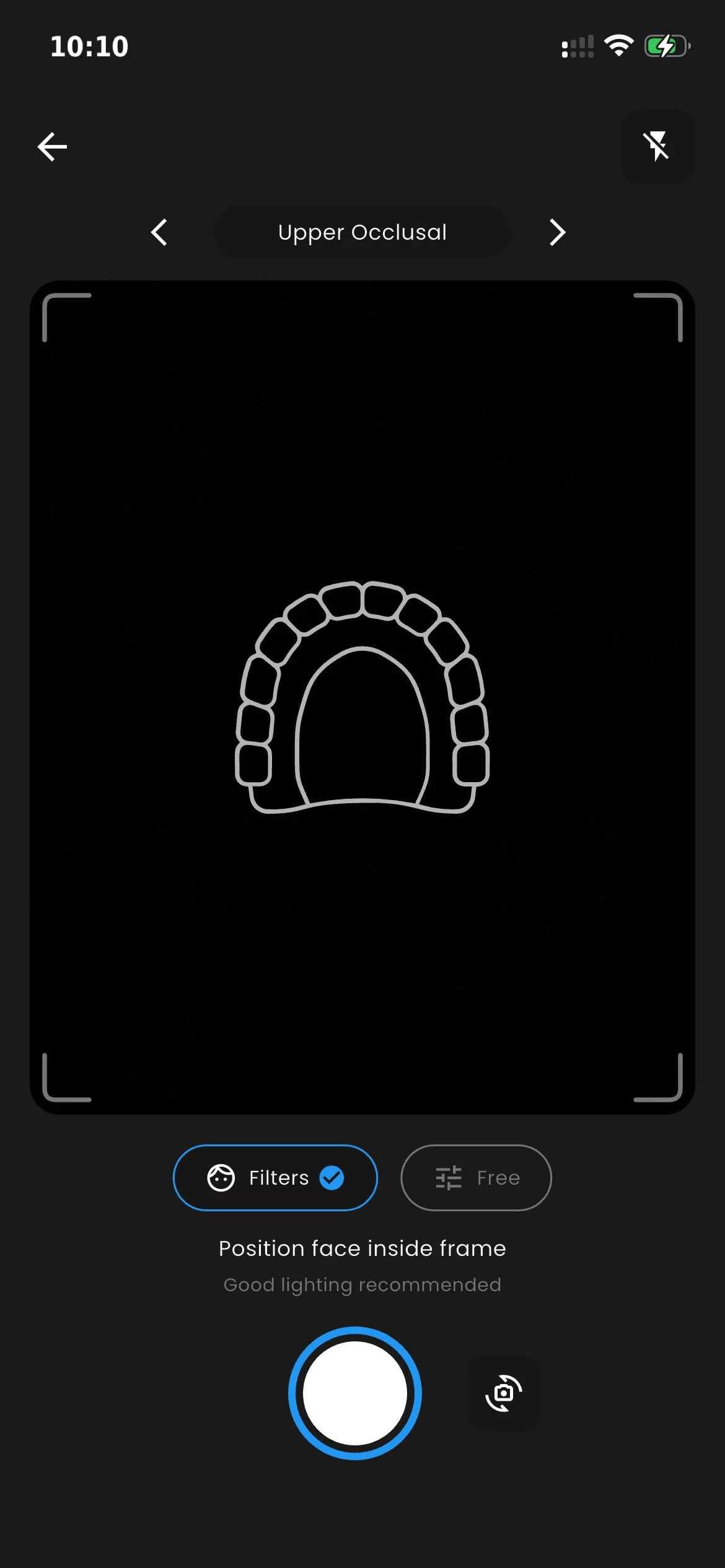
Guide filters
for every shot type

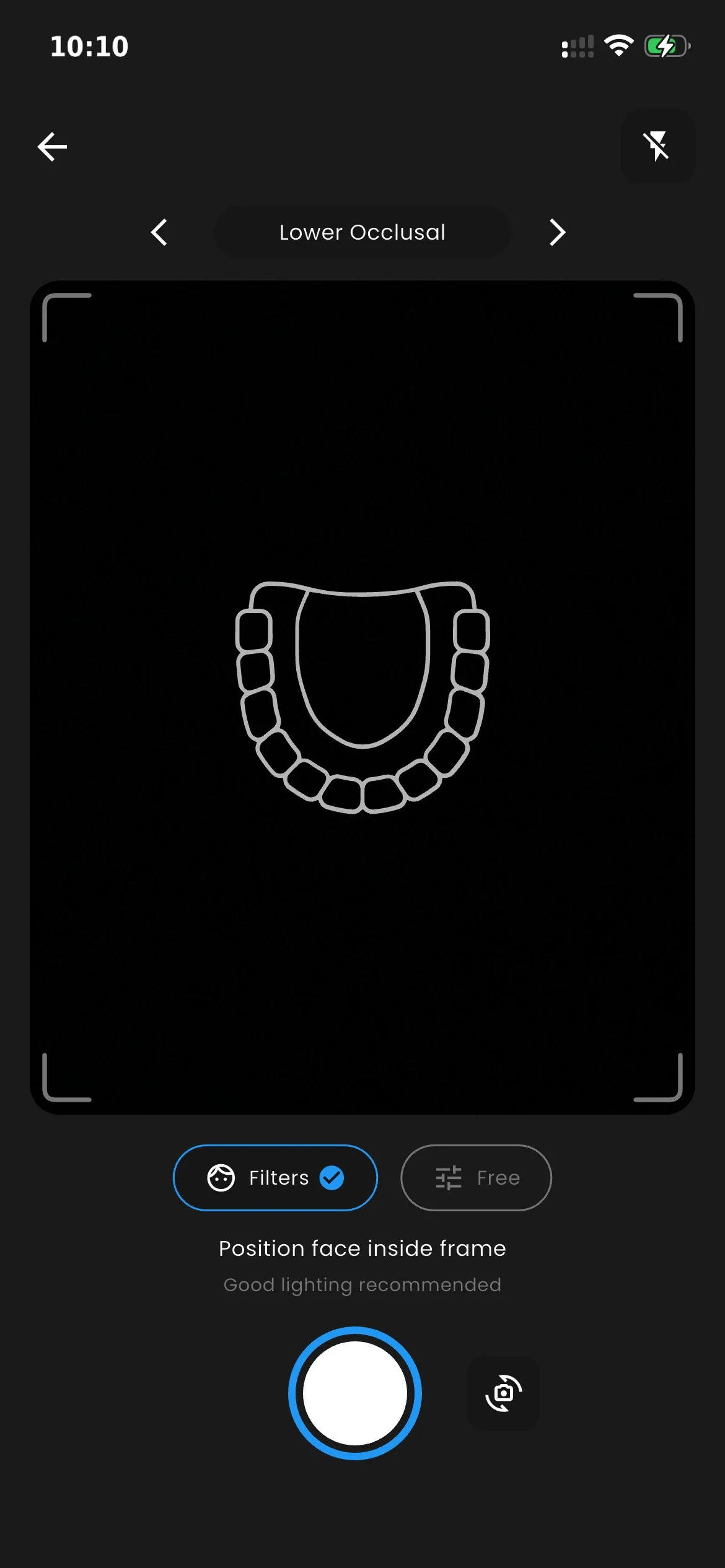
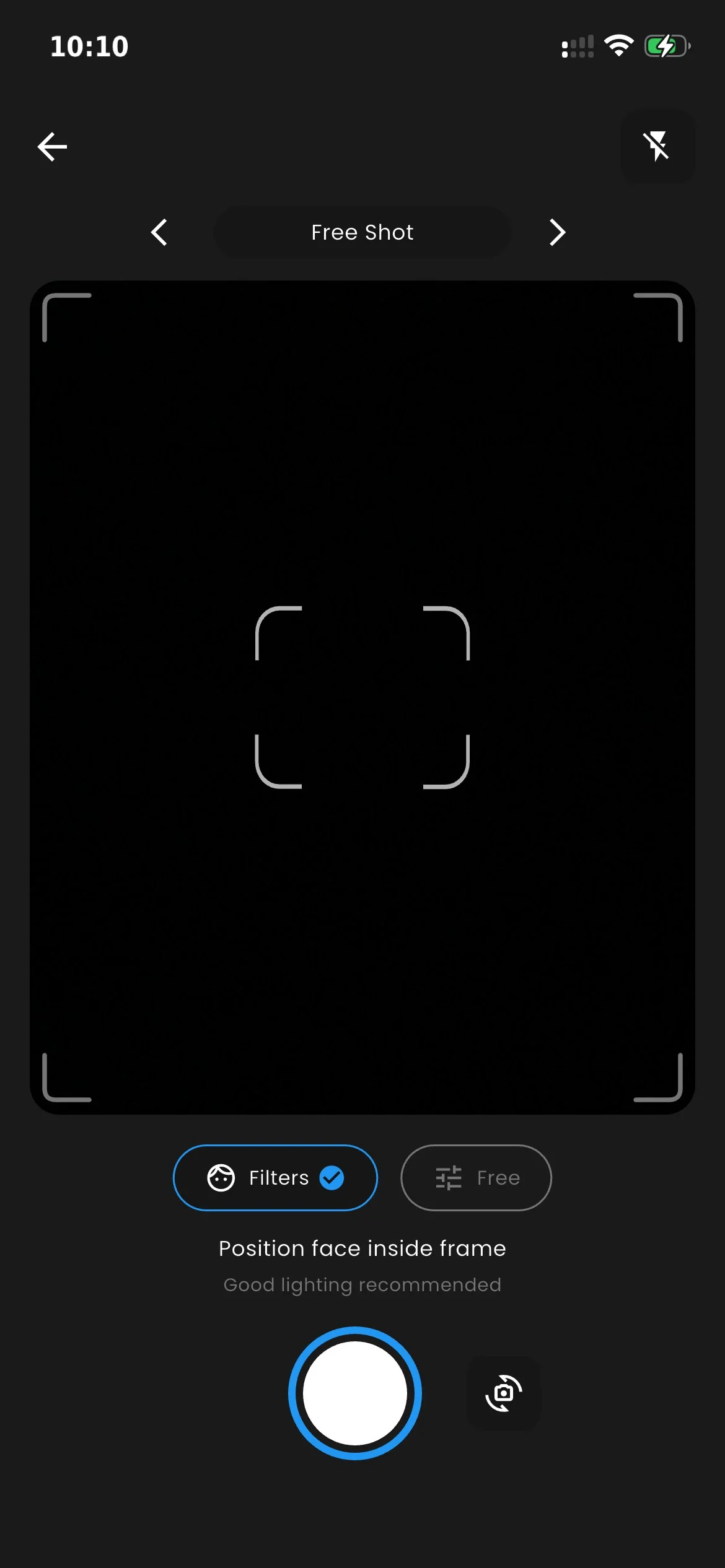
Each shot type has its own animated guide to help with positioning. Standardized clinical photos, automatically saved to the patient profile.

Don't want to use guide filters? Enable Free Shot mode and shoot freely, without guides or positioning constraints.

NFC Technology

Link every physical object
to its digital data

Oralsnap does not sell NFC tags — it's the software system that uses them to connect physical dental objects to their digital profile. Apply any standard tag to a box, a disc or a kit. Scan with your smartphone.
Scan
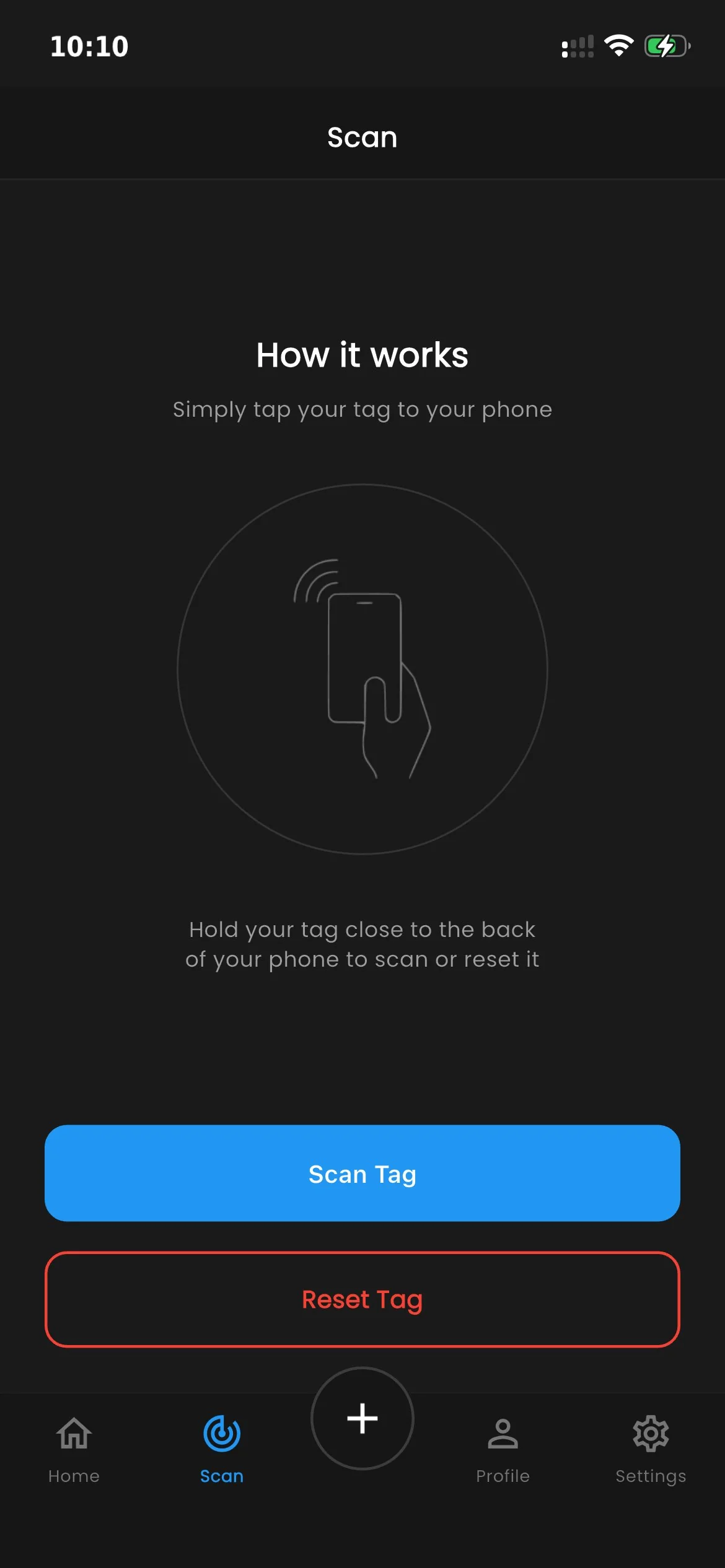
Scan Tag

Read and access

Hold the tag near the back of your phone. The app recognizes it and instantly opens the associated profile — patient, object or case.

Reset Tag

Clear and reuse

Erase the NFC tag content to assign it to a new object. NTAG tags can be rewritten unlimited times.

Demo

The dental workflow
in a single gesture

Hold your phone to the tag. The patient, the photos, the objects — everything opens right in front of you.

Hardware in Action Detailed Demo, Operational Flow and Case Scenarios · Apri su YouTube ↗

Sharing

The patient profile,
visible in the browser

Share a patient profile with anyone, or keep it private. All in one tap.

exocad library

Download the
attachment library for exocad

Use your 25mm NTAG215 directly on dental models. Compatible with exocad Model Creator.

Workflow Demo in exocad Model Creator · Apri su YouTube ↗

Installation

  1. Download the .zip file and extract it
  2. Copy the content to the exocad folder:
    DentalCADApp \ library \ modelcreator \ attachments
  3. Restart exocad — the library will be available in Model Creator

Exocad-Library-Oralsnap.zip

Attachment library · NTAG215 25 mm

Download now

Free · Compatible with exocad Model Creator

Tag compatibility

Compatible with any
standard NTAG tag

Oralsnap is the software. You buy NFC tags from any supplier — Amazon, wholesalers, or reuse existing tags. We recommend the NTAG215 25mm PVC format, tested directly by us and used in our daily workflows.

Battery-free

NFC tags work without any power source. They activate only on contact with a smartphone, so they last forever with no maintenance.

Very low cost

NFC devices have very low purchase costs, especially in multipacks available online or from wholesalers.

Reusable

Tags can be rewritten and reused virtually endlessly: once a case is done, just reset them and assign to a new object.

Open ecosystem. Oralsnap does not sell NFC tags — it's the software system that leverages them, applied to the dental sector. Case boxes, zirconia discs, resins, implant kits, any physical object in the workflow.

Operative modes

Two ways to use the same tag

Choose based on your workflow. Both modes coexist in the same structure.

Offline

Offline Tag

Data written directly on the NFC tag. Works without a network — reading requires no internet connection.

Ideal for objects that physically travel between clinic and lab.

  • Each change physically rewrites the tag
  • Reading always possible, even offline
  • No account required to read
Online

Online Tag

The tag contains only a unique ID. All data lives in the cloud — updates via app without ever rewriting the tag.

Ideal for digital workflows where data changes frequently.

  • NFC used only for initial registration
  • Real-time updates via app
  • Full history and multi-user access

Security & Privacy

Your data,
protected the way it should be

Oralsnap handles sensitive clinical data. Security is not an add-on — it's the foundation.

End-to-end encryption

All data is encrypted in transit and at rest. No one can access it without your authorization.

GDPR compliant

European servers, compliance with EU regulation, right to erasure and data portability guaranteed.

You control visibility

Every patient profile is private by default. You make it public only when you want, and can revoke access at any time.

Frequently asked questions

Everything you
want to know

How does the pricing model work?
Oralsnap is free to download from the App Store and Google Play, and includes all essential features to get started. For those who need advanced features or team management, dedicated plans are available that you can discover directly in the app.
Which smartphones support NFC tag reading?
All iPhones from model 7 onwards (iOS 13+) and most Android devices produced from 2018 with a built-in NFC chip. Check your device settings to make sure NFC is enabled.
Which NFC tags can I use and how much do they cost?
Oralsnap is compatible with any standard NTAG tag (212, 213, 214, 215, 216). The format we recommend is NTAG215 25mm. You can find tags on Amazon or from wholesalers, with very low device purchase costs.
Can I write and rewrite the same NFC tag multiple times?
Yes. NTAG tags can be rewritten virtually unlimited times. Using the "Reset Tag" function you can erase a tag's content and reassign it to another object at any time.
Where is the data hosted and how is it protected?
Data is hosted on GDPR-compliant European servers, end-to-end encrypted in transit and at rest.
How does it integrate with exocad Model Creator?
We provide a dedicated attachment library for exocad Model Creator. You import the library, apply the tag attachment directly on the model during CAD design, and print/mill with the housing already ready for the 25mm NTAG215.
Can I export my data or delete my account?
Absolutely. In compliance with GDPR, you always have the right to export your data in standard formats and to request the complete deletion of your account at any time from the app settings.
Does it work offline or is a connection always required?
NFC tag reading/writing works offline. Syncing patient profiles, clinical photos and browser sharing require an active internet connection.
Available now · iOS & Android
Oralsnap

Get started today
in 2 minutes

Download Oralsnap, sign up and link your first patient. Fast setup, no complicated configurations.

Setup in 2 minutes
GDPR compliant
iOS & Android